What Are NCEA Results?
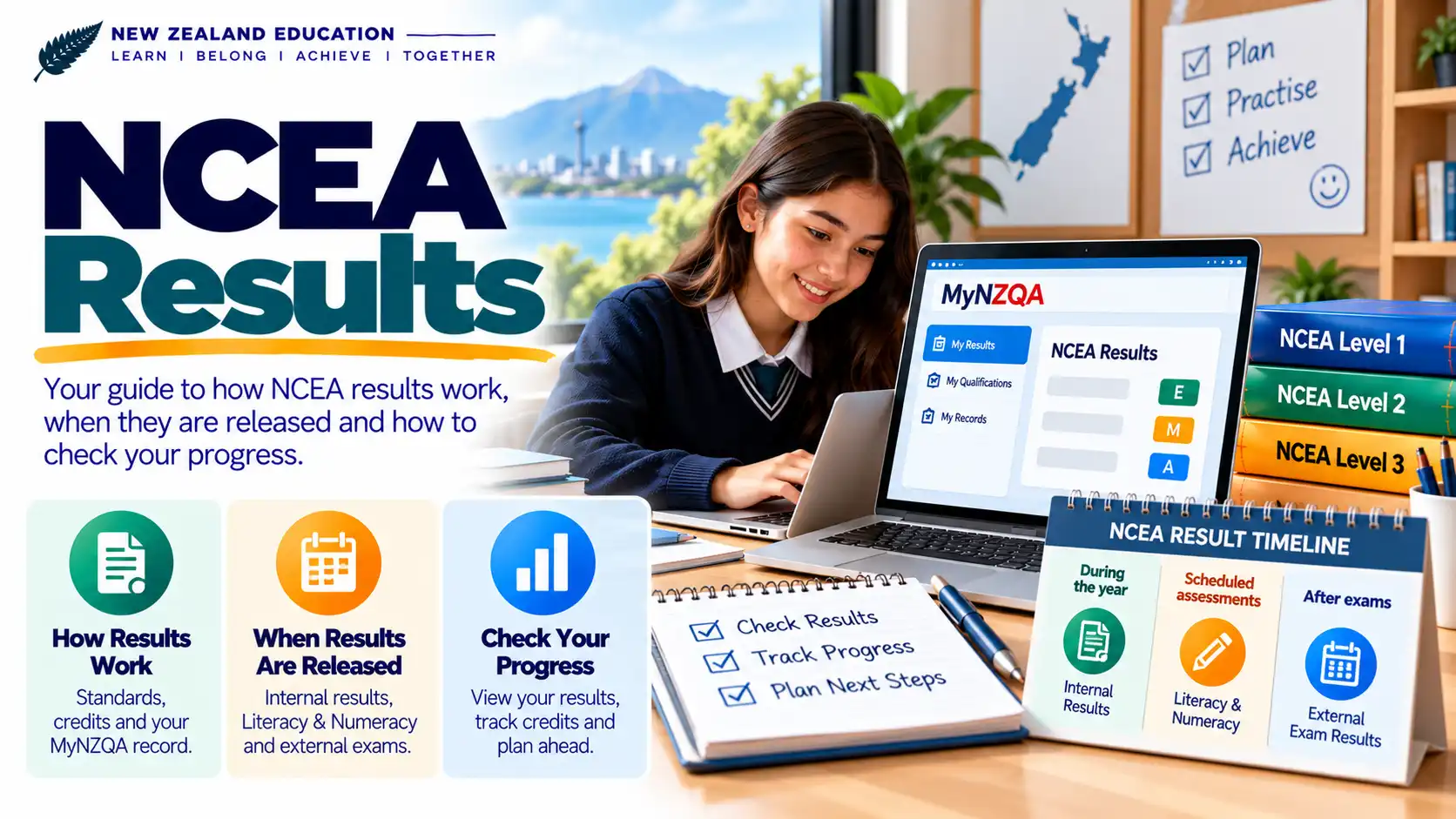
NCEA results show how you performed in the standards you were assessed in. Your results can include internally assessed work completed during the school year and externally assessed work assessed through NZQA.
Understanding Your NCEA Results
Your NCEA results help you see which standards you have achieved and how you performed in each assessment. NZQA records results reported by schools for internal assessments and results from external assessments. You can view your results through the MyNZQA learner portal.
This guide explains how NCEA results work, the difference between internal and external results, and what common result codes mean. It also explains where to check your results and what to do if you have a concern about a result.
NCEA Results Guide
Use the sections below to find the information you need.
How NCEA Results Work
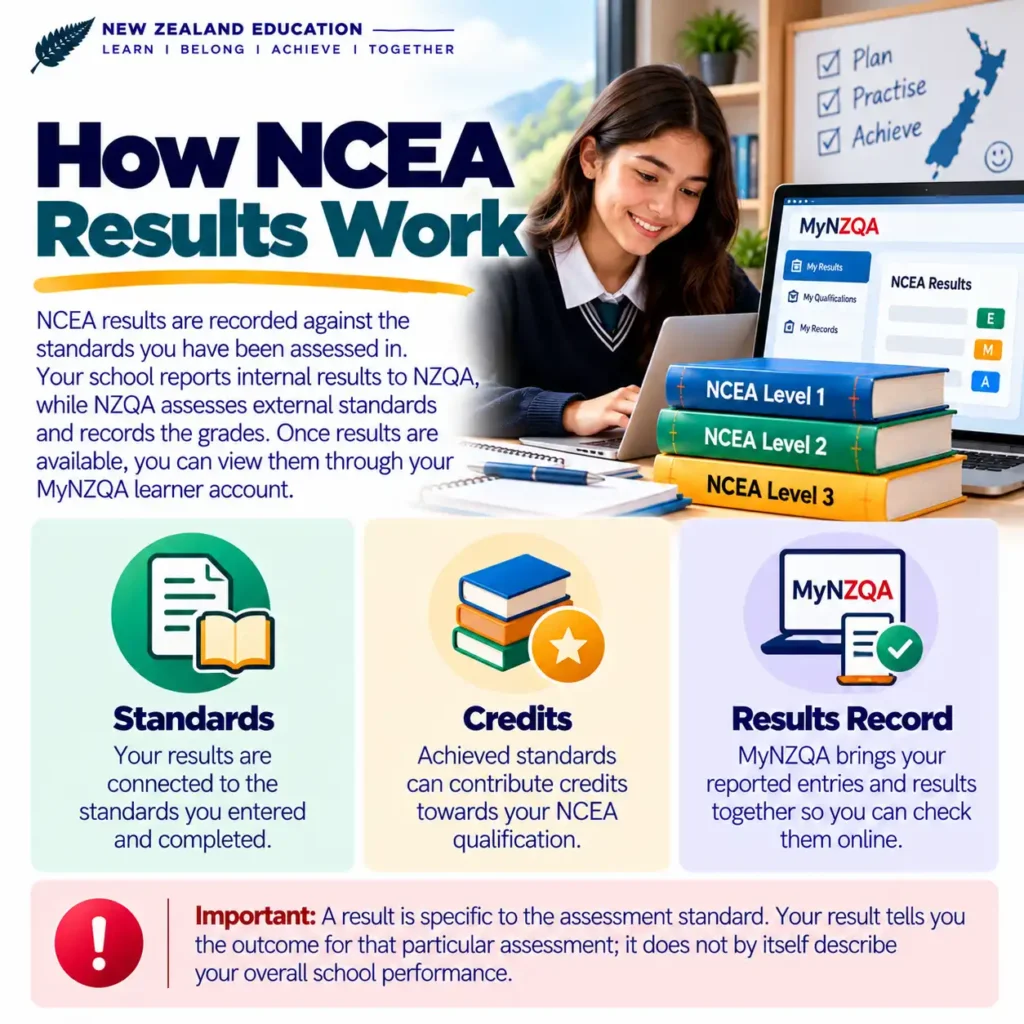
NCEA results are recorded against the standards you have been assessed in. A standard represents a specific set of knowledge, skills or outcomes that you are assessed against. Depending on the standard, your assessment may be completed internally during the school year or externally through an NZQA assessment.
Your school or education provider reports internal assessment results to NZQA. NZQA assesses external standards and records the resulting grades. Once results are available, you can view the information held for you through your MyNZQA learner account.
Your results are connected to the standards you entered and completed.
Achieved standards can contribute credits towards your NCEA qualification.
MyNZQA brings your reported entries and results together so you can check them online.
Internal vs External NCEA Results
NCEA results can come from two main assessment types: internal assessment and external assessment. The key difference is who assesses the work and how the assessment is managed.
Internal standards are assessed by your school or education provider during the school year. The provider reports the results to NZQA.
External standards are assessed by NZQA. They can include end-of-year examinations and other external assessment activities.
Your reported results can be viewed through the MyNZQA learner portal when they are available.
Internal results may become available during the school year as your school reports them. External results follow the relevant NZQA assessment and results-release process.
Understanding NCEA Result Codes
NCEA results use short codes to show the outcome of an assessment. Understanding these codes makes it easier to read your entries and results in MyNZQA.
NZQA also provides explanations of results through its student results guidance, including the common N, A, M and E grades and other result codes that may appear in your record.
How to Check NCEA Results in MyNZQA
MyNZQA is the main online place where students can view their NCEA entries and results. Your results page brings together information reported to NZQA, including results from internal and external assessments.
If you are checking your NCEA results, start by signing in to your MyNZQA learner account. You need an account to access your online results and other assessment information.
When NCEA Results Are Released
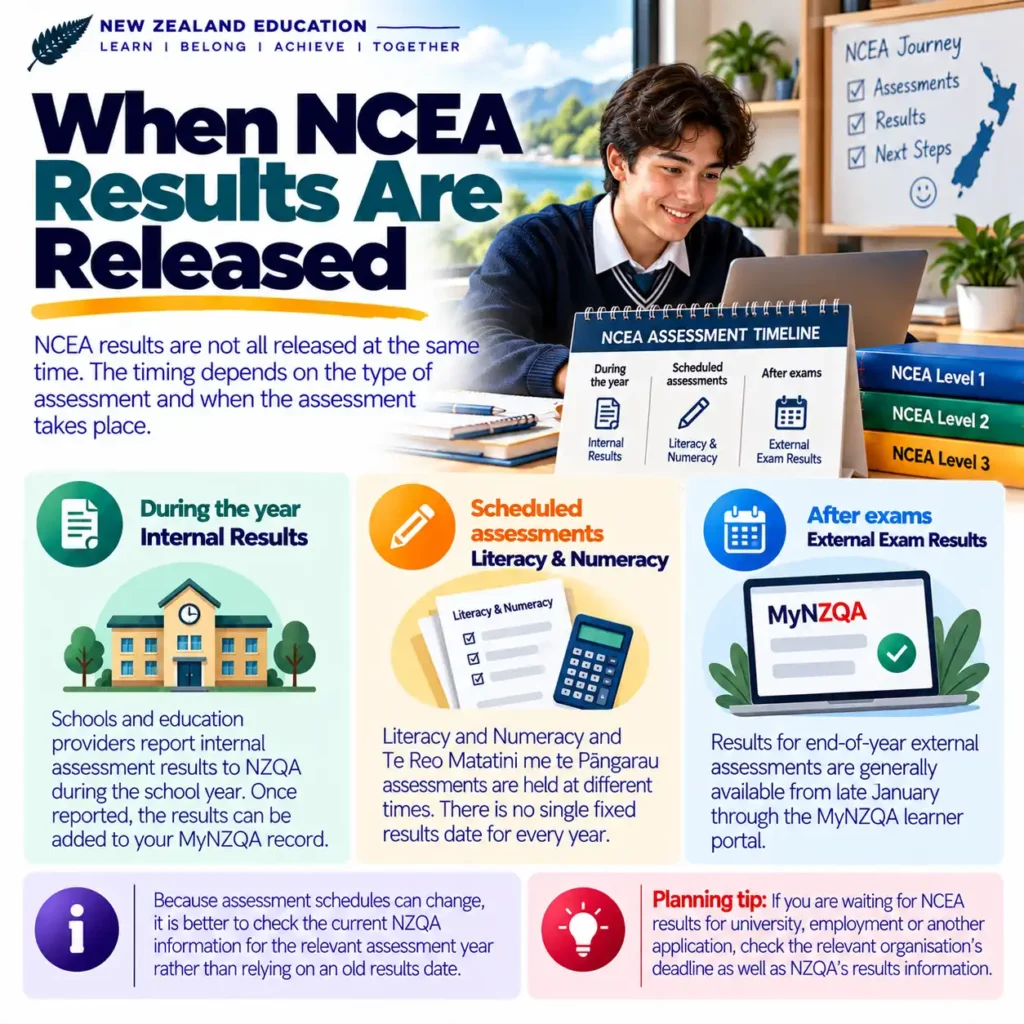
NCEA results are not all released at the same time. The timing depends on the type of assessment and when the assessment takes place.
Schools and education providers report internal assessment results to NZQA during the school year. Once reported, the results can be added to your MyNZQA record.
Literacy and Numeracy and Te Reo Matatini me te Pāngarau assessments are held at different times. There is no single fixed results date for every year.
Results for end-of-year external assessments are generally available from late January through the MyNZQA learner portal.
Because assessment schedules can change, it is better to check the current NZQA information for the relevant assessment year rather than relying on an old results date.
NZQA currently advises that results for end-of-year external assessments can be accessed from late January. The exact release arrangements should be checked against the current NZQA information for your assessment year.
How to Read and Understand Your NCEA Results
Your NCEA results page contains more than just a grade. To understand your progress, look at the standard, result, credits and the year in which the assessment was recorded.
| What to check | Why it matters |
|---|---|
| Standard | Identifies the specific assessment you completed and the standard against which your work was assessed. |
| Result | Shows the outcome of the assessment, such as N, A, M or E. |
| Credits | Shows the credit value attached to the standard when applicable. |
| Assessment year | Helps you identify when the assessment was entered or completed. |
| Qualification information | MyNZQA can also show qualification and award information connected with your results. |
A single result should not be viewed in isolation. Look at the full set of standards and credits recorded for the relevant year when checking your progress towards a qualification.
Not Achieved. The assessment requirements were not achieved.
Achieved. The assessment requirements were achieved.
Achieved with Merit or Achieved with Excellence, depending on the assessment outcome.
NCEA Results, Endorsements and Awards
Your NCEA results can also show whether you have received certain qualifications, endorsements or awards.
The MyNZQA entries and results page can display qualification information, certificate endorsements, course endorsements and awards such as University Entrance and Scholarship information where applicable.
Your results contribute to the qualifications you achieve when the relevant requirements are met.
Your results page can show certificate and course endorsement results when you have received them.
MyNZQA can also display relevant awards, including University Entrance and Scholarship information.
Record of Achievement and School Results Summary
Your MyNZQA account provides access to important records of your NCEA results. Two useful documents are your School Results Summary and your New Zealand Record of Achievement.
Your School Results Summary provides a summary of results reported to NZQA and can be useful when checking your secondary school assessment history.
Your NZRoA is an official transcript of the New Zealand qualifications, micro-credentials and standards you have achieved, as reported to NZQA.
You can download a digital copy of your Record of Achievement through the MyNZQA learner portal.
What is the New Zealand Record of Achievement?
The New Zealand Record of Achievement, often shortened to NZRoA, is an official record of the New Zealand qualifications, micro-credentials and standards you have achieved. It is maintained from results reported to NZQA by consented education providers and universities.
Your Record of Achievement can be useful when you need evidence of your education or qualifications. Employers, education providers and other organisations can verify an original digital NZRoA through NZQA’s verification service.
Can you download your Record of Achievement?
Yes. NZQA provides a digital copy through the MyNZQA learner portal. You can download the record and use it as evidence of the qualifications and standards recorded for you.
If you need your NCEA results for a future application, job, course or education provider, keep a copy of your relevant result documents in a safe place.
How to Access Your Completed Assessments
After your external assessments have been marked, you can use your MyNZQA learner account to access completed assessment material that is available online.
NZQA provides access to marked NCEA assessments through the MyNZQA learner portal. This can include assessments completed digitally as well as scanned marked paper assessments, depending on the assessment.
View completed external assessments that NZQA has made available through your learner account.
For eligible digital assessments, your completed answers can be available online through MyNZQA.
Some paper-based assessments are scanned and uploaded so you can view the marked material online.
How to find your completed assessments
NZQA advises students to use the MyNZQA learner portal to access their assessed NCEA and Scholarship exams, including eligible digital and scanned paper assessments.
What to Do If You Think a Result Is Wrong
If you think an NCEA result is incorrect, first identify whether the issue relates to an internal assessment or an externally assessed standard.
If you have a concern about an internally assessed result, start by talking to your school or education provider. They can check the assessment and the result they reported to NZQA.
If you believe an externally assessed result has an error, NZQA provides review and reconsideration processes for eligible external standards.
Before deciding what to do, look at the completed assessment available through MyNZQA and check the result carefully.
Review vs reconsideration
How to apply for a review
For an eligible review, log in to MyNZQA and select the review option under your records. Follow the instructions provided and submit the required application and assessment material where applicable.
How to apply for a reconsideration
For an eligible reconsideration, use the Entries and results area in MyNZQA and select the reconsideration option when it becomes available after you can access your completed assessment.
Review and reconsideration dates can change by assessment year. Always check the current NZQA instructions before submitting an application. Missing the deadline can affect whether your request can be processed.
FAQs About NCEA Results
Where can I check my NCEA results?
You can check your NCEA results through the MyNZQA learner portal. Your entries and results page provides access to your reported assessment results and other NCEA information.
When are NCEA results released?
Internal results can be reported during the school year. Results for end-of-year external assessments are generally available from late January. Literacy and Numeracy and Te Reo Matatini me te Pāngarau results do not have one fixed release date because those assessments are held at different times.
What does N mean on my NCEA results?
N means Not Achieved. It indicates that the requirements for that assessment were not achieved.
What do A, M and E mean in NCEA?
A means Achieved, M means Achieved with Merit, and E means Achieved with Excellence. These codes describe the result for the particular standard.
What does ABS mean on NCEA results?
ABS means Absent. It indicates that the student was recorded as absent for the assessment.
What does SNA mean on NCEA results?
SNA means Standards Not Assessed. The standard was not assessed.
What does RNA mean on NCEA results?
RNA means Results Not Available. The result was not available when the results information was displayed.
Can I see my marked NCEA exams online?
Yes. NZQA provides access through MyNZQA to eligible completed NCEA assessments, including digital assessments and scanned marked paper assessments.
What should I do if my internal NCEA result looks wrong?
Contact your school or education provider first. Internal assessment results are assessed by the provider and then reported to NZQA.
Can I ask NZQA to check an external result?
For eligible externally assessed standards, NZQA provides review and reconsideration processes. Check your marked assessment first and follow the current NZQA application instructions and deadlines.
Where can I get my Record of Achievement?
You can download a digital copy of your New Zealand Record of Achievement through your MyNZQA learner portal. The Record is an official transcript of New Zealand qualifications, micro-credentials and standards you have achieved.
Will my NCEA results show endorsements?
Your entries and results information can show certificate and course endorsements when they have been awarded. Detailed endorsement requirements are covered separately in the NCEA Endorsements guide.
What if I do not understand one of my result codes?
Check the result code against the standard in your MyNZQA account. If you still do not understand the result, speak with your school or contact NZQA for help with your learner record.
Understanding Your NCEA Results
Your NCEA results give you a record of the standards you have been assessed in and the outcomes recorded for those assessments. The easiest place to check your current results is your MyNZQA learner account.
When reviewing your results, look at the standard, result code, credits and assessment year rather than focusing on a single grade. This gives you a clearer picture of what you have achieved and what still needs attention.
- Check your internal and external results in MyNZQA.
- Learn the common NCEA result codes such as N, A, M and E.
- Check when the relevant results are expected to become available.
- Review your completed external assessments when they are available online.
- Contact your school about concerns with internally assessed results.
- Check NZQA’s current review and reconsideration rules for eligible external results.
- Use your Record of Achievement when you need official evidence of your achievements.
NCEA results are one part of your wider education record. If you need to understand endorsements, subject choices, literacy and numeracy requirements or other NCEA topics, use the relevant guide rather than trying to interpret every requirement from a single results page.
Check what was assessed, read the result carefully, confirm the credits recorded, and ask for help when something does not look right. Keeping your MyNZQA information and official records up to date can make future study and application processes easier.